
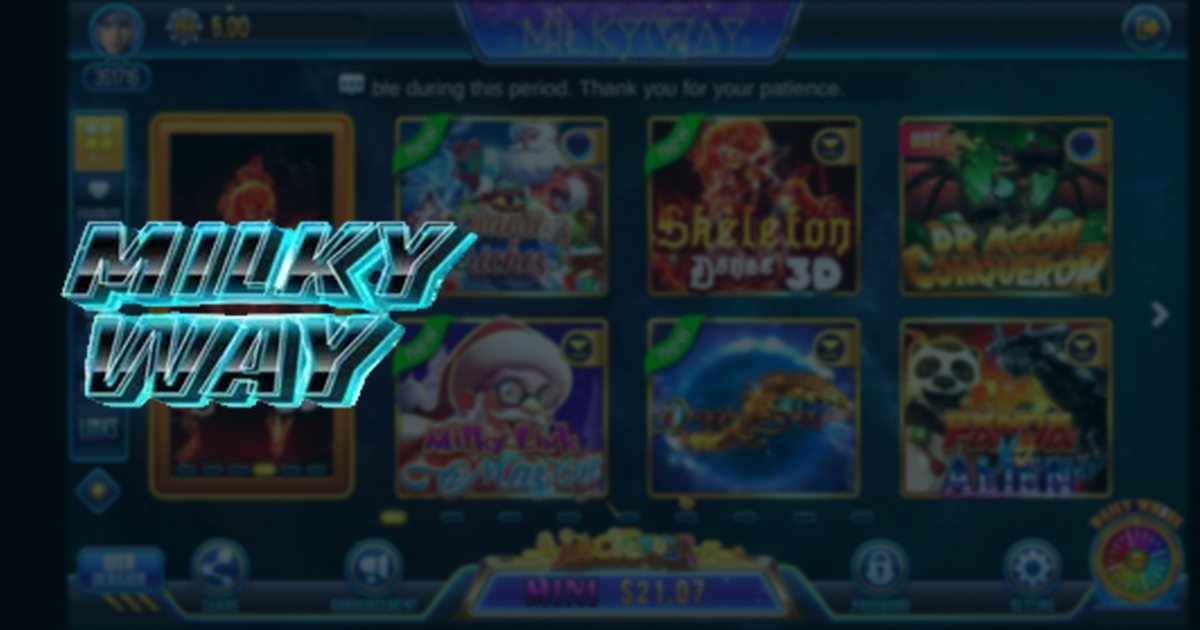
The first screen a player sees in Milky Way is the lobby, not the backend. Knowing how that lobby is organised helps an agent or game-room operator answer basic questions on day one: where the fish tables are, where the slots are, and what the Others and Links tabs actually hold.
The tabs down the left side
The lobby we captured is arranged as All, Favorite, Fishing, Slot, Others and Links. All shows the mixed grid. Favorite is for titles a player has marked. The other four tabs split the library by type.
Fishing
This tab holds the multiplayer shooting tables. Each seat has a cannon. Targets move across the scene, and boss creatures — a kirin, a dragon, a golden bird — are the bigger catches. Titles such as the Ocean King series, Skeleton Dance 3D and Dragon Conqueror sit here.
Slot
Video slots live on this tab. The player sets a bet and spins. The official Reels list includes sevens, gold, farm, pirate and holiday themes, and some slots also play comfortably in portrait on a phone.
Others
Others is the slower, board-style group. The official list files keno (Super Ball Keno), bingo (Super Bingo), a joker title, a horse-race title and an air-combat title here. If a customer asks for "the number game," this is the tab to open.
Links
Milky Link games have their own tab. In the lobby screenshot we captured, a tile for Milky Link Max Gift sits in the main grid with a NEW badge. Link games are part of the same lobby and the same player balance; they are just filed separately.
What this means for a business login
Players only ever see this lobby. The backend you buy from a distributor is a different sign-in, used to create accounts and move points. Read the first-week loads and redeems guide for the business side, or the games list for verified titles.