
A new Milky Way agent account is a business login, not a player seat. The first week is mostly about getting the panel straight, agreeing how staff will move points, and planning the first reload. This checklist is written for a single game room or a small online book.
1. Sign in and change the password
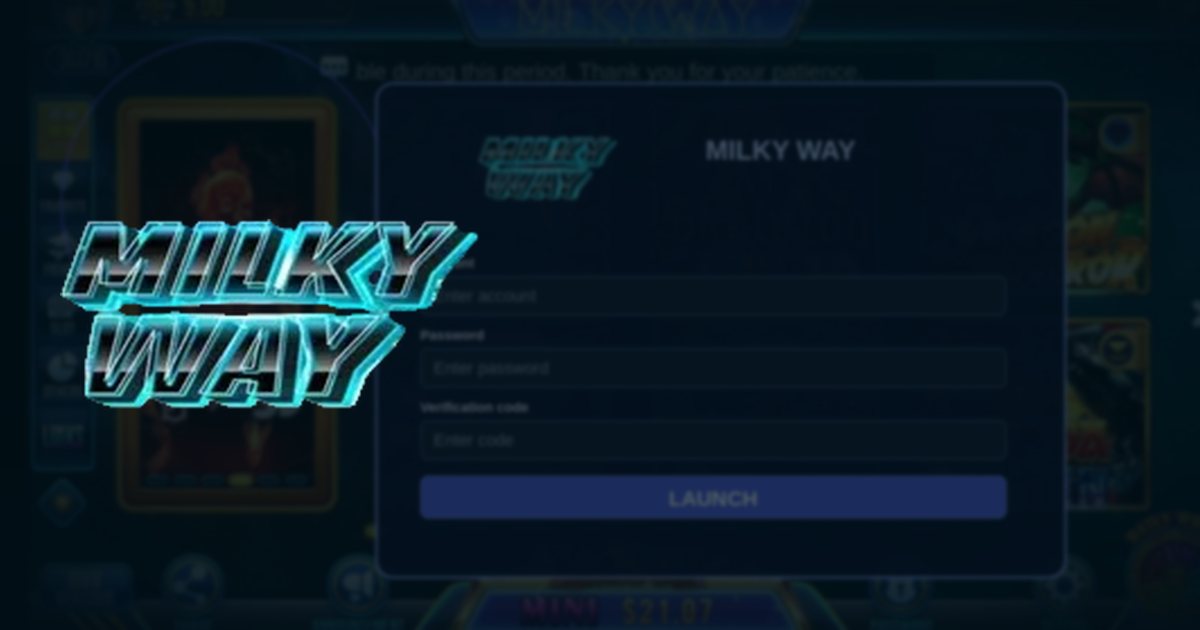
Use the backend address and login we send. The sign-in screen asks for account, password and a verification code, then a Launch button. Change the password before any points are loaded, and keep it with the owner or manager.
2. Walk the empty panel
Before you prepay, find the account list, the load and redeem actions and the history. This is the empty-backend check. If something on the panel is unclear, ask in chat while the balance is still zero.
3. Agree how loads and redeems are recorded
- Load points only after the customer has paid you
- Redeem only when you are paying the customer out
- Write down the time, the username and the amount
- Confirm the account on screen before you press the action
4. Start with a prepaid amount you can watch
The minimum order is 500 points. Pick an amount that covers a realistic first week, prepay, and then watch how fast the balance moves. Message us for a reload a day before you expect to run low, and send the same username we issued.
5. Know the lobby well enough to answer questions
Spend a few minutes in the player lobby yourself so you can point customers to Fishing, Slot, Others or Links. The lobby tabs guide and the games list are the maps for that.
6. Keep this desk for this backend
Points we load go only onto the Milky Way backend we issued. If you later add a sub-distributor or distributor seat, that will be a separate login with its own balance.